Free AI image generator
Type what you need, get the image in about 30 seconds. Free, no account, no watermark.
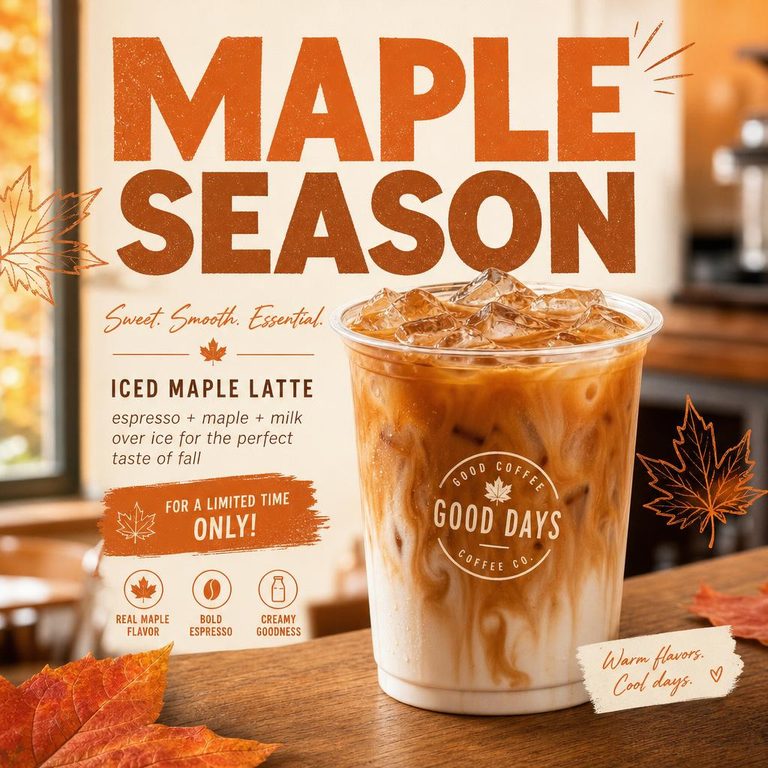
One studio, four jobs people usually hire out
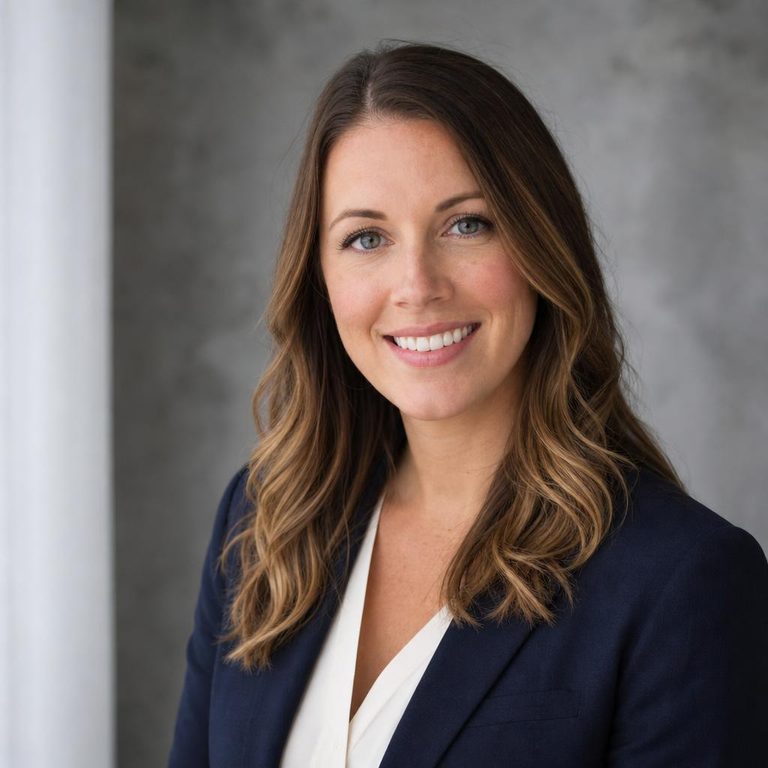
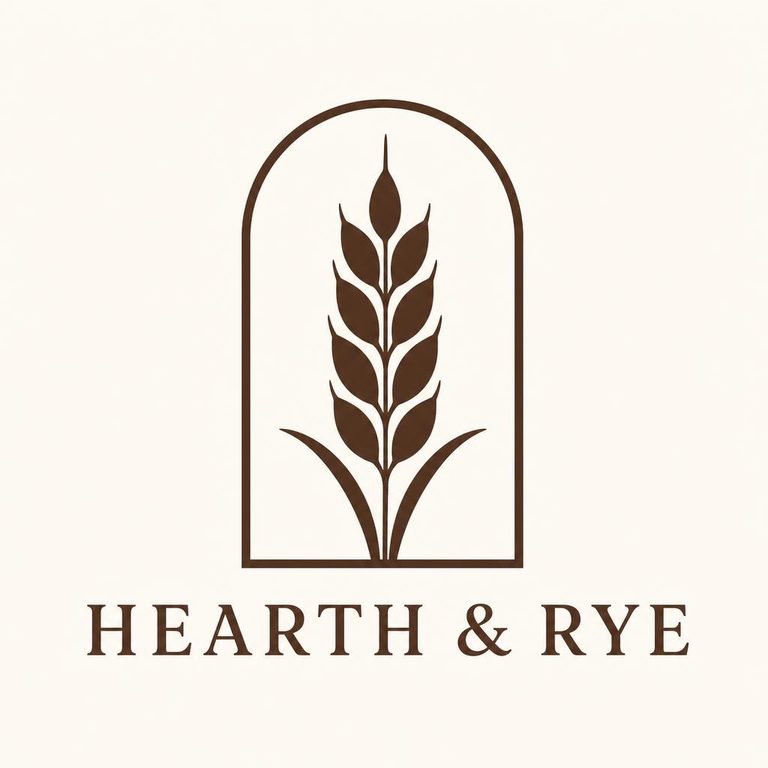
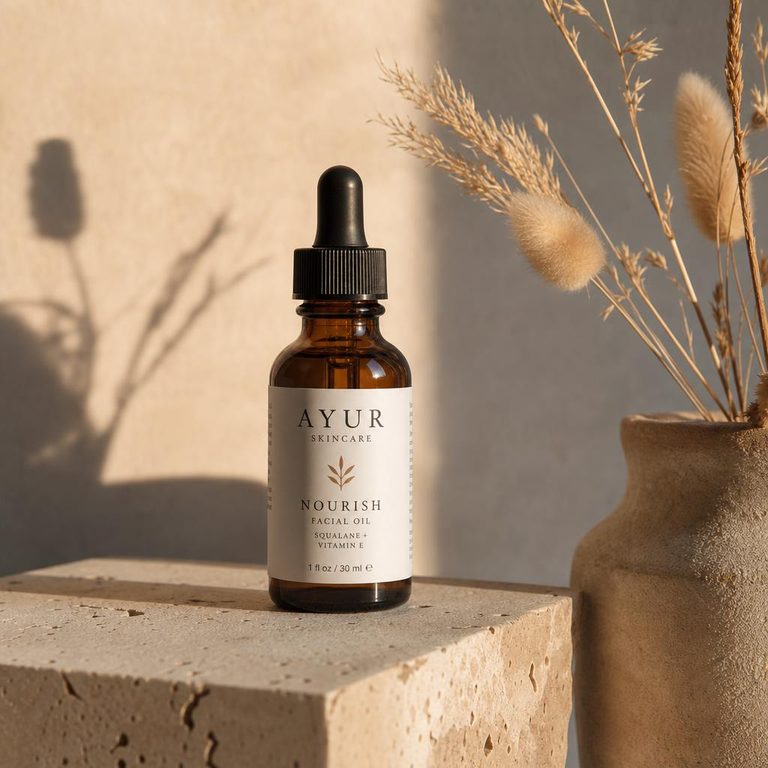
A logo, a decent headshot, product photos and a steady stream of social images: these are the four things small businesses and job seekers most often pay a designer or photographer for. Each has its own tool here, tuned with the right prompt scaffolding and output shape.
How an AI image is made: from static to picture
Image generators like GPT Image, Stable Diffusion and Midjourney are built on diffusion. During training the model watches millions of pictures being buried in noise and learns to predict the noise so it can take it back out. To make your image, it starts from pure random static and removes a little predicted noise at each step, steered by your prompt. Drag the slider to walk through the steps.
Signal 0% · noise 100% (cosine noise schedule)
Pure static. The model has only your prompt and random noise. Every image starts here, which is why the same prompt gives different results with a different seed.
That explains the three things people find odd about AI images. Every run starts from different noise, so variations differ. Composition is settled early, so a prompt that names the layout ("subject on the left, empty space on the right") works better than fixing it afterwards. And tiny details like lettering come last, which is where mistakes creep in. When you can act on a process while it plays out, it tends to click faster, which is what ahaboo does with explainers on how things actually work.
Write a prompt that works the first time
Good prompts read like a brief to a photographer. Cover these, roughly in this order:
- Subject: what, specifically. "A ceramic mug" beats "a product".
- Setting: surface, room, background.
- Composition: close-up, top-down, wide; where empty space should be.
- Light: window light, golden hour, studio softbox.
- Style: photo, flat illustration, 3D render, watercolor.
- Text: exact words in "quotes", as few as possible.
Stuck? The prompt generator turns a one-line idea into three detailed prompts and has a gallery of worked examples.
Need a specific shape? The format tools preset the right aspect ratio and give you the platform's required pixel sizes: posters, YouTube thumbnails, banners and ads.
Got a photo that's nearly right? Use the photo enhancer or the upscaler. Both run entirely in your browser.
Generators tuned for a style
Each style page adds the right prompt rules for you, so results come out ready to use: stencil-clean tattoo lines, closed shapes for coloring pages, transparent backgrounds for stickers.
- AI tattoo generatorStencil-ready tattoo designs in any style.
- AI cartoon generatorMascots, characters and comic scenes.
- AI sticker generatorDie-cut stickers as transparent PNGs.
- AI coloring page generatorPrintable line-art coloring pages.
- AI wallpaper generatorPhone and desktop wallpapers.
- 3D AI image generatorClay icons, isometric scenes, 3D characters.
- AI pixel art generatorRetro 8-bit and 16-bit sprites.
Every tool
Create
- AI logo generator – Logo concepts plus an instant vector wordmark.
- AI headshot generator – Turn a selfie into a professional headshot.
- AI product photography – Put your product in a styled scene.
- AI poster generator – Event and promo posters in portrait format.
- AI thumbnail generator – 16:9 thumbnails that read at small sizes.
- AI social media post generator – Square and portrait feed images.
- AI ad generator – Ad creatives in the sizes networks accept.
- AI banner generator – Wide banners for sites, shops and profiles.
- AI icon generator – App icons and simple glyph-style icons.
- AI prompt generator – Build and expand image prompts, with examples.
Styles
- AI tattoo generator – Stencil-ready tattoo designs in any style.
- AI cartoon generator – Mascots, characters and comic scenes.
- AI sticker generator – Die-cut stickers as transparent PNGs.
- AI coloring page generator – Printable line-art coloring pages.
- AI wallpaper generator – Phone and desktop wallpapers.
- 3D AI image generator – Clay icons, isometric scenes, 3D characters.
- AI pixel art generator – Retro 8-bit and 16-bit sprites.
Edit
- AI photo editor – Upload a photo, type the change you want.
- Background remover – Cut out the subject or swap the backdrop.
- Photo enhancer – Fix exposure, color and sharpness in your browser.
- Image upscaler – Enlarge 2x or 4x without blocky pixels.
- Image resizer – Crop and resize to every social size.
Brand kit
- Color palette generator – Brand palettes with contrast checks.
- Favicon generator – Every favicon size and a .ico from one image.
Questions people ask
What is ImageSmith AI?
ImageSmith (aiimagesmith.com) is a free, browser-based AI image studio. It turns a text description into an image, edits your own photos from a typed instruction, and makes logos, headshots, product shots and social graphics. It also has exact in-browser tools for enhancing, upscaling and resizing photos. There is no account and no watermark.
Is there a 100% free AI image generator?
This one is free with no sign-up, no credit card and no watermark. The only limit is fair use: about 8 AI images per visitor per hour, so the service stays free for everyone. The in-browser editing tools have no limit at all.
Can I use this AI image generator without signing up?
Yes. There is no account, email or login of any kind. Open the page, type a description and press Generate image. Your recent results are kept only in your own browser.
How do I generate an image from text?
Describe the subject, the setting, the framing, the light and the style in one or two sentences, choose a shape (square, landscape or portrait) and an optional style, then press Generate image. After about 10–40 seconds you can download it or press "Another take" for a variation.
Is this AI image generator really free?
Yes. There is no account and no watermark. To keep it free for everyone, each visitor can create about 8 AI images per hour. The in-browser tools (photo enhancer, upscaler, resizer, palette and favicon generators) have no limit at all.
Which AI model makes the images?
Text-to-image requests go to OpenAI's GPT Image 2.5 Flare through Vercel AI Gateway. Edits that start from your own photo (headshots, product scenes, background changes) use GPT Image 2.5 Sunburst, which is tuned for precise editing.
Can I use the images commercially?
OpenAI's terms assign the output to you, so you can use it on websites, ads and social posts. You are still responsible for not imitating trademarks, real people or copyrighted characters. For a logo you plan to register as a trademark, have a designer vectorise and check it.
What image styles can it make?
Photorealistic photos, flat illustration, watercolor, anime, 3D render, pixel art, line art and more. Pick a style chip or name the style in your prompt. Dedicated pages tune the prompt for tattoos, cartoons, stickers, coloring pages, wallpapers, 3D and pixel art.
What resolution are the images?
Square images are 1024 × 1024, landscape 1536 × 1024 and portrait 1024 × 1536 pixels. For print or large screens, enlarge them 2–4× with the free image upscaler.
Do you keep my prompts or images?
No. Prompts and photos are sent to the model only when you press the button and are not stored on our side. Your last 12 results are saved in your own browser (localStorage) so you can find them again; you can clear them any time.
Why does the same prompt give a different image each time?
Diffusion models start every image from fresh random noise (see the explainer above). Different noise leads to a different composition, even with identical words. Press "Another take" to get a new variation.
Why is text in AI images sometimes misspelled?
Lettering is fine detail that is decided in the last denoising steps, and the model predicts shapes of letters rather than typing them. Current models are much better at it; putting the exact words in "quotes" and keeping text short helps most.