ImageSmith / Headshots
AI headshot generator
A professional headshot from a single selfie: same face, better light, tidy clothes and a clean backdrop. For LinkedIn, your CV, a team page or a conference badge.
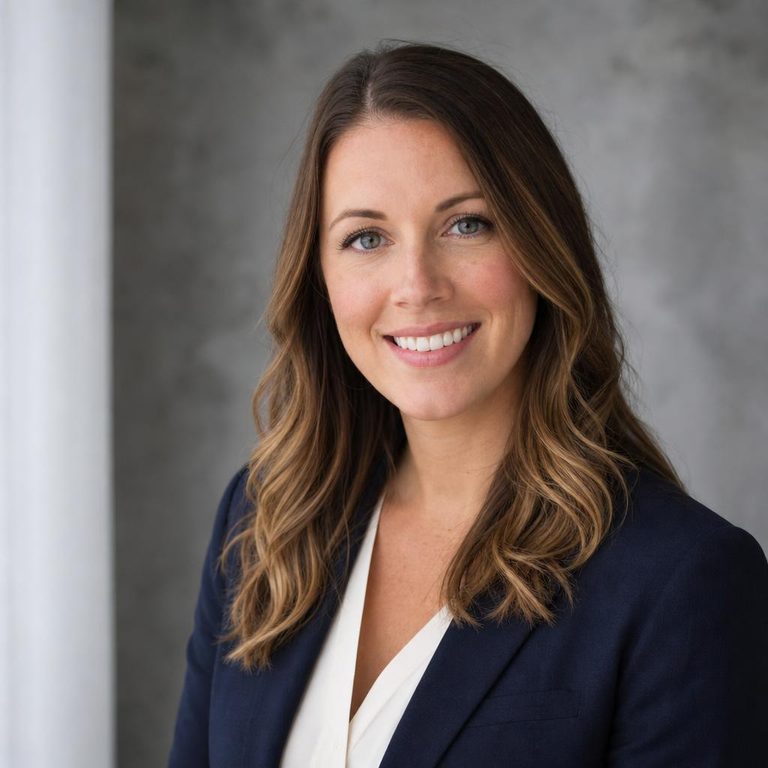
How each platform will crop your headshot
The same photo gets cut differently everywhere it appears. Switch platforms to see the real crop shape and the size each one asks for.
LinkedIn: 400 × 400 px min
Displayed as a circle. Corners are lost, so keep your head centred with a little space above the hair.
Photographers put the eyes on the upper third line. It is the most reliable framing rule for headshots, and the one AI crops get wrong most often.
Take a selfie the AI can work with
- Face a window. Soft daylight from the front beats overhead lights, which throw shadows under the eyes.
- Camera at eye level, arm's length or further. Close-up wide lenses make noses look bigger.
- Nothing on your face. No sunglasses, hats or hands. Everyday glasses are fine.
- Neutral or slight smile. The model keeps your expression, so choose the one you want.
- Sharp, not filtered. Beauty filters confuse the model about what you look like.
AI headshot or photographer?
A photographer is still best when you need a consistent set for a whole team, a portrait for press, or a very specific brand look. An AI headshot is ideal when you need a presentable photo today for a job application or profile, and don't have a budget or a free afternoon.
Either way, check that the final image looks like the person who will walk into the interview. Once you have it, the image resizer crops it to exact platform sizes.
Questions people ask
How does the AI headshot generator work?
Upload one clear photo of yourself. The image model (GPT Image 2.5 Sunburst, built for precise edits) keeps your face and re-renders the clothing, background and lighting to look like a studio headshot. One good selfie is enough; there is no training step.
Will it still look like me?
The prompt tells the model to keep your face, age, skin tone, hairstyle and expression, and not to beautify. Results are usually close, but AI can drift. Pick the take that looks most like you on a normal day, because recruiters meet the real person.
What photo should I upload?
Face the camera at eye level, in soft daylight from a window, with no sunglasses or hat and nothing covering your face. Take it at arm's length or with the timer; ultra-wide selfie lenses close to the face distort the nose.
Is it OK to use an AI headshot on LinkedIn?
LinkedIn's User Agreement asks that your profile photo be a real likeness of you. An AI-polished photo of your real face that keeps your features is generally fine; a flattering stranger is not. Many recruiters say an honest, well-lit photo matters more than a perfect one.
Is my photo stored?
No. Your photo is resized in your browser, sent once to the model when you press the button, and not stored by ImageSmith. Only a small thumbnail of the result is kept in your own browser history, which you can clear.
What size should a LinkedIn profile photo be?
LinkedIn recommends 400 × 400 pixels or larger (up to 7680 × 4320) and shows it as a circle. Keep your face filling around 60% of the frame.